AssetShip documentation
AssetShip renders App Store and Google Play assets to exact spec — screenshots, icons and logos. These pages explain what every part of it does.
If you are new
Open the editor and pick a template. You do not need an account, and nothing is time-limited: compose a set, then export it at every store size. When you want the work to follow you between machines, sign in.
Everything, page by page
Studios
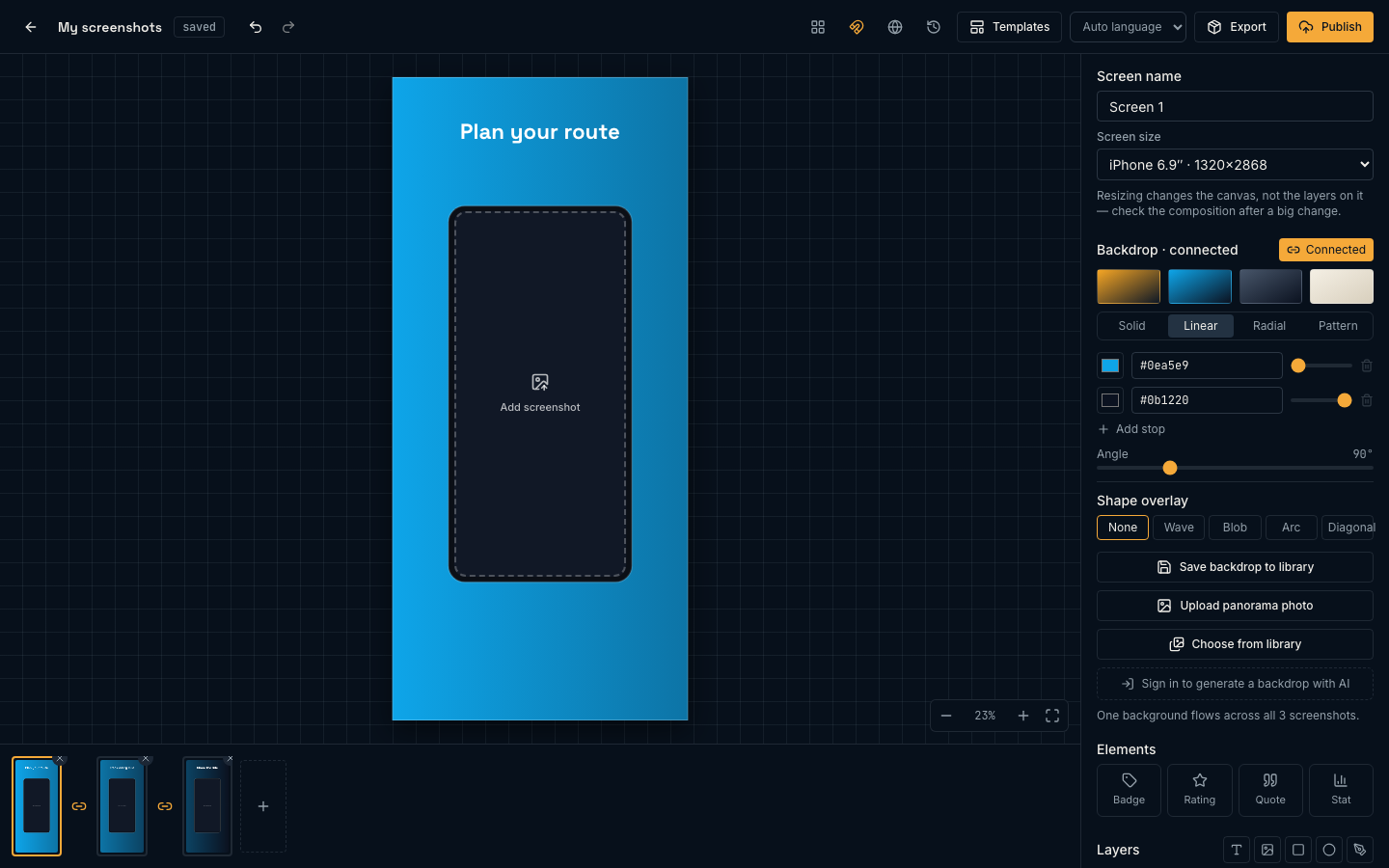
Screenshot editorScreens and store sizes, backdrops, text, shapes, SVG layers, device frames, connected panoramas, templates, snapping and every keyboard shortcut.Icon generatorOne mark to a favicon set, Android adaptive icons at every density, and an Apple AppIcon set with an Icon Composer bundle.Logo generatorGenerate logo candidates, refine the one that works, trace it to a clean SVG, and hand it to the icon generator.AI images, upscaling & libraryThe model line-up, what a credit buys, upscaling, background cutouts, and the library that makes everything reusable.
Shipping
Exporting & sizesRender every required resolution in one pass — store sizes plus the Instagram, Story, Open Graph, X and Facebook sizes — how the deterministic renderer works, and what the free watermark is.LocalizationPaidAdd the languages you sell in, translate in place, and export a complete set per locale without duplicating the design.
Elsewhere
The TrailTimes case study walks through a real ten-screen set from brief to export. Pricing covers what each plan includes and how credits work.