Ten App Store screens,
composed by an agent.
TrailTimes is a trail-riding app with live trail matching and leaderboards. It needed a full iOS set: a connected panorama across the first three screens, and seven more that show the product actually doing something.
Every device screen here is the real app, running against real trail data in Cumberland, BC. No mockups, no placeholder times.
TrailTimes and AssetShip are built by the same company. This set had nowhere to hide: it went to the App Store under our own name, so every rough edge in the tool had to be fixed before the listing could ship.
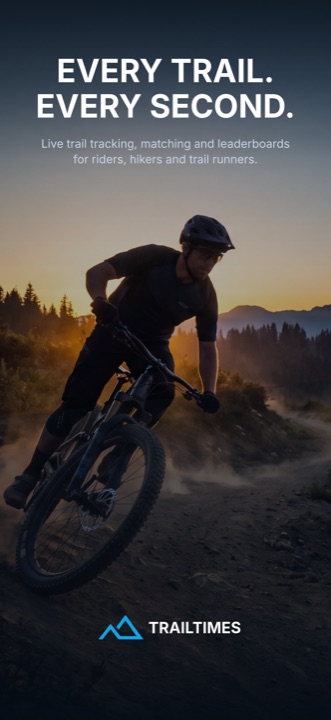
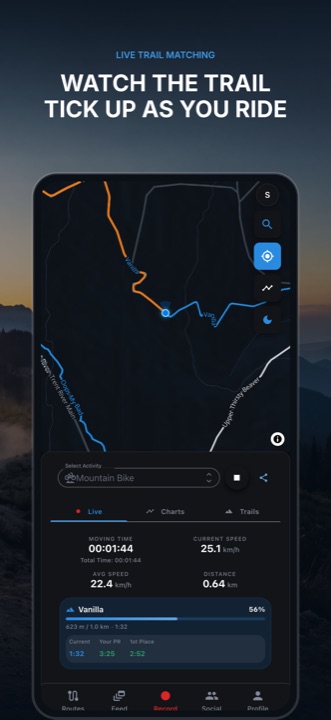
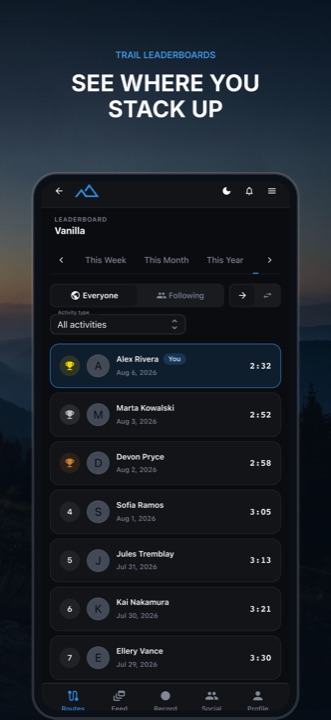
- Screens
- 10
- Export size
- 1320 × 2868
- Store sizes, one scene
- 4
- Revision rounds
- 7
Ten screens, in carousel order
Each one answers a question a browsing rider is already asking. The copy on the phone is the product’s own — trail names, split times and elevation straight out of the app.
- 01
Every trail. Every second.
Opening frame
- 02Live trail matching
Watch the trail tick up as you ride
Vanilla, 56% — live against a personal best
- 03Trail leaderboards
See where you stack up
A real board, real times
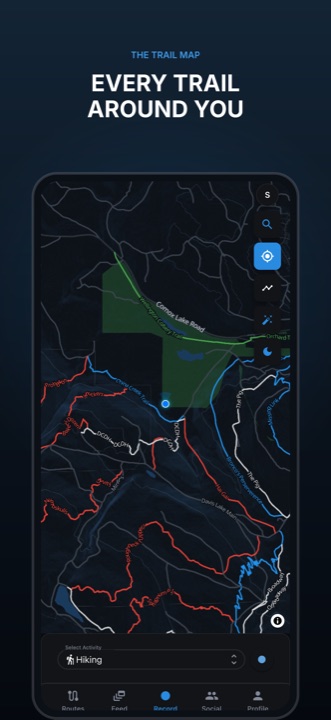 04The trail map
Every trail around you
The Cumberland network
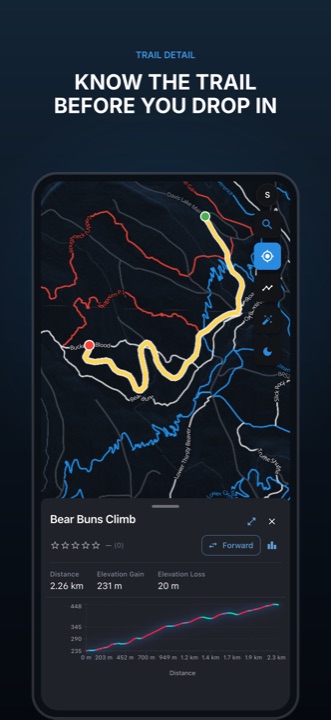 05Trail detail
Know the trail before you drop in
Bear Buns Climb — 2.26 km, 231 m of gain
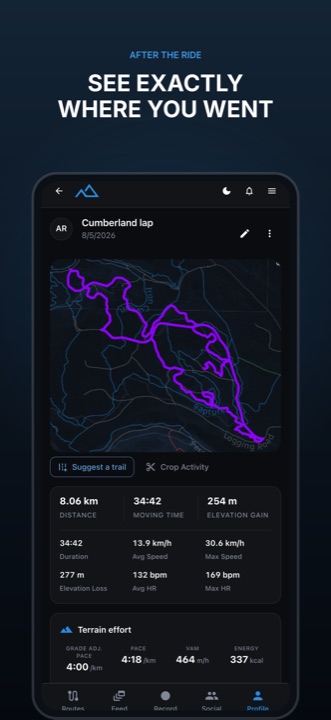 06After the ride
See exactly where you went
An 8 km lap over thirteen trails
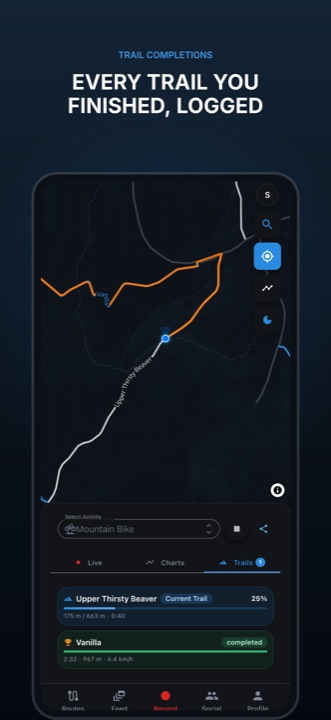 07Trail completions
Every trail you finished, logged
One trail live, one already done
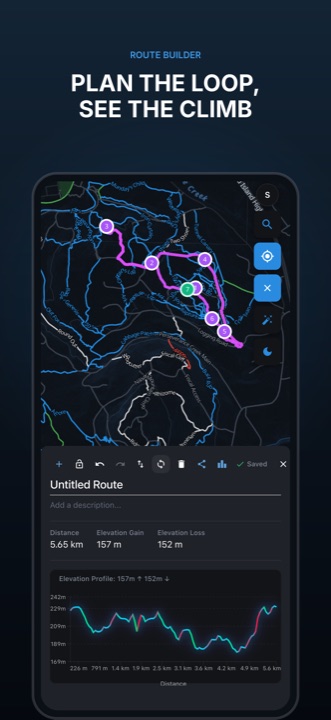 08Route builder
Plan the loop, see the climb
Seven waypoints, closed into a loop
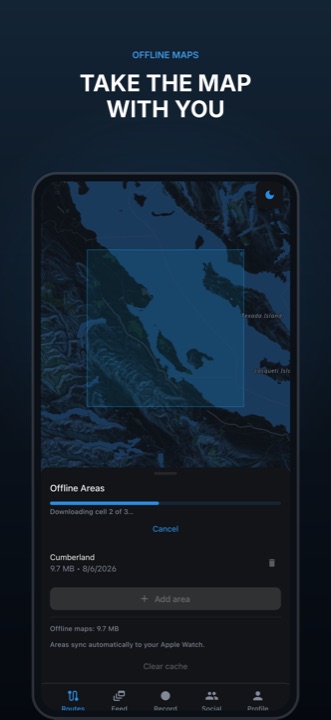 09Offline maps
Take the map with you
Caught mid-download, cell 2 of 3
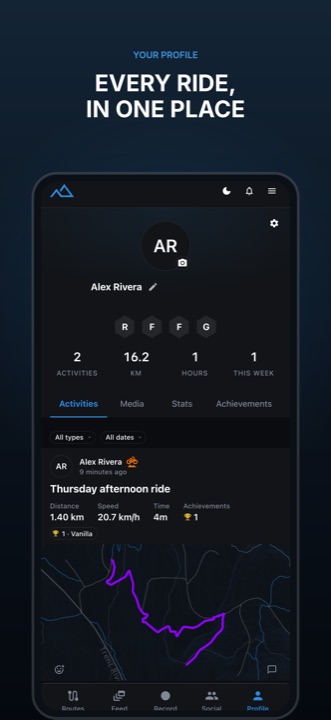 10Your profile
Every ride, in one place
Stats, history, achievements
One photograph, cut across three screens
The App Store shows screenshots side by side as a reader swipes, so the first three share a single backdrop. Group the artboards and the image spans the group — each export gets its own slice, aligned to the pixel, at every store size.
The backdrop was generated in the editor from a written brief, at high resolution. On a Pro plan that is a rounding error against the monthly credits.
The whole set was assembled in a conversation
No editor session was required to produce it. AssetShip exposes the editor over MCP, so an agent can compose, review its own renders and export — and you open the editor only when you want to touch something yourself.
create_projectA project and a starter scene, from one line of intent.
generate_backdropA mountain-biker backdrop from a written brief, spanning the first three artboards.
upload_imageReal captures dropped into the device frames — by URL or straight from base64.
edit_sceneHeadlines, eyebrows, backgrounds and device screenshots, applied as a batch of commands.
render_previewThe agent looks at what it just made, and adjusts before anyone else sees it.
export_screenshotsEvery artboard at exact store resolution, returned as download URLs.
The set changed seven times after it was “done”
A trail name got swapped for a friendlier one. The offline screen was re-shot mid-download. The activity screen went from a four-minute ride to a proper 8 km lap. Each round is a snapshot you can name, and step back to.
A finished set is exactly the point at which you stop wanting to touch it — so restoring is itself snapshotted first, and rolling back is never the thing that loses your work.
- Shipped App Store set (10 screens)
- Before re-capture (attribution + trail-fit + offline)
- English v2 — collapsed attribution, trail fit, offline download
- English v3 — offline redesign (dark map, bottom drawer, shape draw)
- English v4 — Vanilla trail + restyled offline picker
- English v5 — offline download in flight
- English v6 — 8 km Cumberland lap on the activity screen
- English v7 — trail card framed, route loop, long ride
- Before restoring “English v7”
Ten artboards, about four seconds
One scene renders to every size the stores ask for. The renderer is deterministic — the same scene gives the same bytes, so a re-export after a one-word change is a diff you can trust, not a re-shoot.
Localised variants come from the same scene too: translate the headlines once and every locale exports as its own foldered set.
- iPhone 6.9″1320 × 2868
- iPhone 6.5″1284 × 2778
- iPad 13″2064 × 2752
- Android phone1080 × 1920
Your set, the same way
Start in the browser for free, or point your agent at the MCP endpoint and describe what you want. Pro adds the AI credits, cloud sync and version history this project ran on.