Every store asset,
rendered to spec.
Screenshots, icons and logos for the App Store and Google Play — and the social sizes you announce with. Compose them in the browser, export every exact size — or hand the whole job to your coding agent.
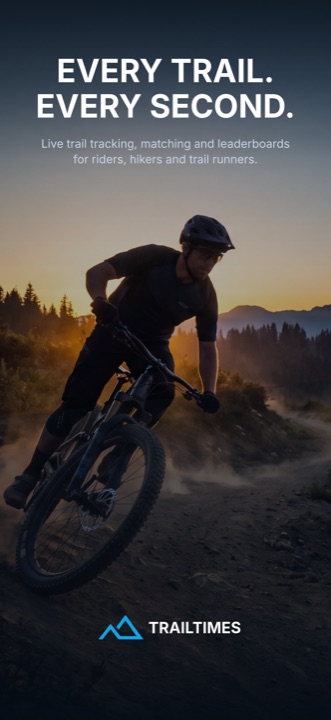
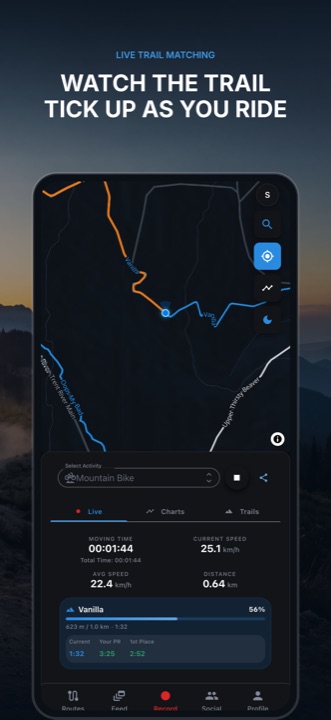
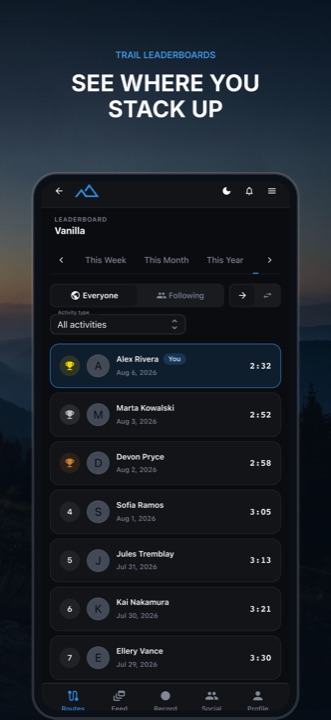
Screenshots
Framed device shots on designed backdrops, with headlines that stay inside the safe area. Panoramas flow across the whole set, and the same artboards export to social sizes.
OpenIcons
One artboard in, a complete favicon and app-icon set out — multi-size .ico, maskable PNGs, manifest and the head snippet.
OpenLogos
Generate marks from a brief, then trace the one you pick to clean SVG you can recolour and scale.
OpenUpload
Bring your real app screenshots — straight from the simulator or device.
Compose
Frame them, add headlines, pick a backdrop — or generate one with AI.
Export
Download every exact store size — and every social size — panorama-aware, as a single zip.
Give the job to your coding agent.
AssetShip speaks MCP, so Claude Code and friends can create the project, upload your captures, write the copy, generate backdrops, and export the finished set — without you opening the editor.
The agent can also see what it made: every render comes back as an image, so it reviews its own work and iterates before handing it over.
Read how a set got built$ claude mcp add --transport http assetship \
https://assetship.app/api/mcp \
--header "Authorization: Bearer ask_..."
> build a 5-screen App Store set for TrailTimes
create_project → TrailTimes
edit_scene → 10 commands applied
render_preview → 5 images returned
export_screenshots→ 1320×2868 · 1284×2778 · 2064×2752Pixel-exact sizes
1320×2868 · 2064×2752 · 1080×1920Apple and Google reject a single off pixel. Every export is rendered to the exact spec.
Continuous panoramas
artwork flows across framesBackdrops that join seamlessly as shoppers swipe through your set.
Deterministic renders
same recipe → same pixelsRendered from a recipe by the same engine everywhere — ideal for A/B testing a listing.
Localized sets
one design · many languagesTranslate the copy, keep the layout. A long German headline cannot break the other locales.
The launch post, from the same artboards.
A listing is not the only place your app gets seen. Tick the Social group and the same render pass produces the sizes each network encodes without resampling — so your headline stays crisp instead of going soft in a re-compress.
Instagram portrait
1080 × 1350 · PNGInstagram square
1080 × 1080 · PNGStory / Reel
1080 × 1920 · PNGLink preview card
1200 × 630 · JPEGX / LinkedIn landscape
1600 × 900 · PNGFacebook cover
1640 × 924 · PNGAuthor an artboard at the aspect you are targeting — a tall 1320 × 2868 store screen scaled into a square letterboxes into bands of backdrop. The size picker offers every one of these as an artboard size, so you can design the square and the story directly.
Ten screens for TrailTimes, composed by an agent
A connected panorama across the first three, real in-app captures on the rest, and seven rounds of revisions after it was already “done” — all over MCP.
Read the buildStart free — right in your browser.
The editor, rendering and export all run client-side, so designing and shipping a store listing — and the social posts that announce it — costs nothing and needs no account. Plans add AI credits, agent access and watermark-free exports.
Try it free